Video platform for service providers

A video service for your customers

Client applications, a media server and service management — one platform under your company brand.

OJOS video service on a laptop and smartphone
OJOSWeb and mobile applications for the end customer

What your company receives

A complete product, not disconnected modules

OJOS covers the full video service: customer applications, service operations, video storage and infrastructure deployment.

Built for companies: security providers, property managers, installers, telecom operators and systems integrators.

Complete white label

The entire product under your brand

We replace the logo, product name and visual identity across every customer and staff interface. The end customer interacts with your company, not the OJOS brand.

  • iPhone application
  • Android and RuStore
  • Customer Web workspace
  • Staff workspaces

Two deployment options

Choose where OJOS runs

A managed cloud for a fast start or the complete platform on your own infrastructure.

All inclusive

OJOS Cloud

The complete platform, servers and storage are included. Pay only for active cameras.

Video stream
Archive

Estimate for continuous recording. Cameras and installation are billed separately.

Your infrastructure

Private deployment

The complete OJOS platform runs on your server. Archive volume does not affect the software price.

Up to 1,000 cameras1 server up to 4UUp to 24 drives
Perpetual license600,000 RUBone-time for the complete platform
Subscription25,000 RUBper month for the complete platform per server
  • Complete software platform
  • White label across every interface
  • No archive-volume charges

Customer software

Your customers get a practical video service

The same workflow on mobile and in the browser. Applications can be released under your brand.

OJOS video surveillance interface on a laptop and smartphone
One camera experience on desktop and mobile
iPhoneAndroidRuStoreWeb
Live and archive

Watch live cameras and move directly to recordings.

Download video

Select an interval and save the required fragment.

Camera mosaic

Combine several streams on one screen.

Camera groups

Organize cameras by site and task.

Favorites

Keep important cameras within immediate reach.

Technical support

Contact support directly from the customer workspace.

Service provider software

Your team controls the entire service

OJOS separates system administration from daily operator work. Each employee only receives the permissions needed for their role.

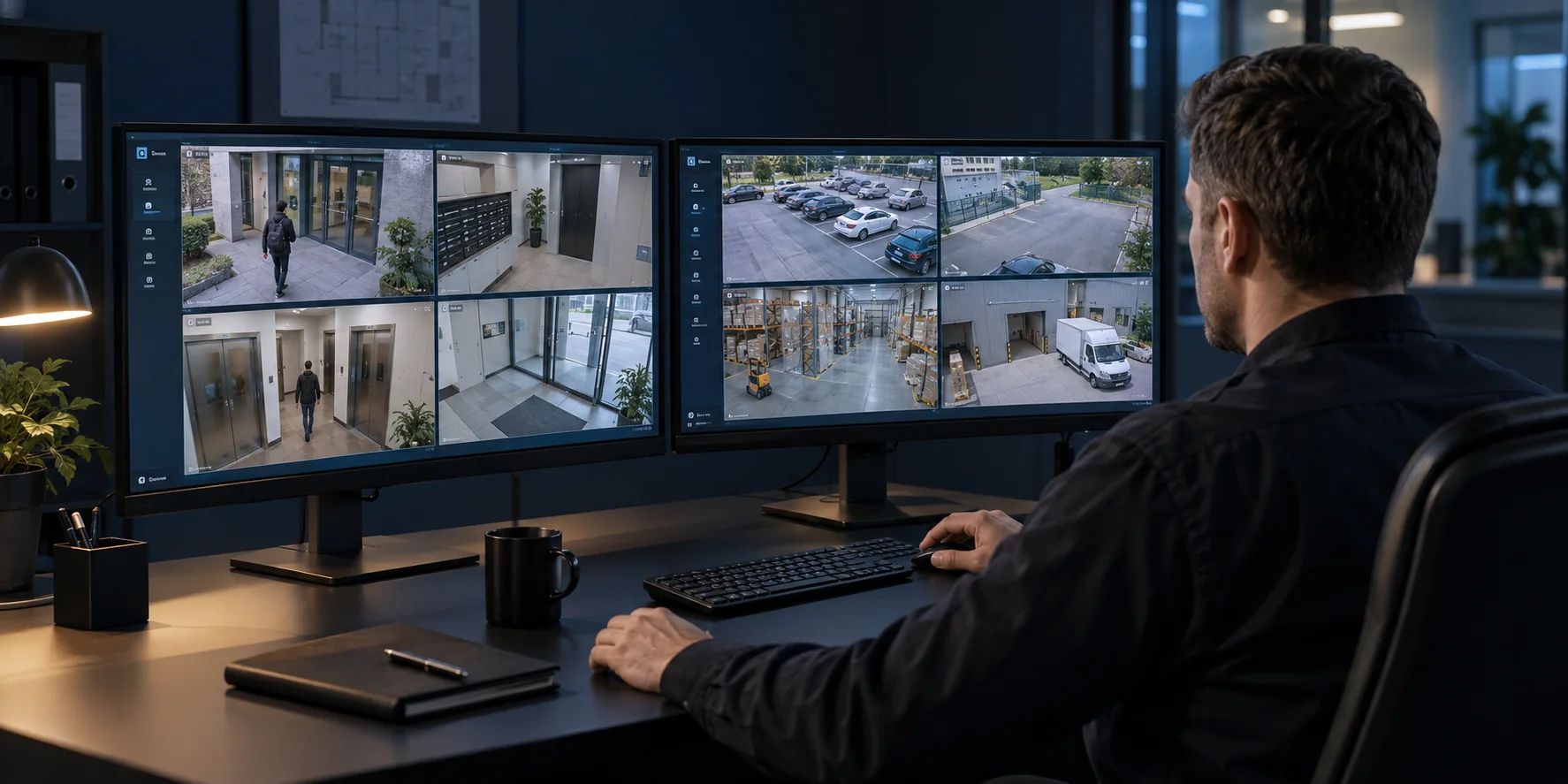
OJOS video service operator workstation
One operations workspaceCustomers, sites, cameras, recording and system health
Video core

Media server

Receives camera streams and serves live viewing and archive.

  • RTSP streams and live video
  • Recording, storage and archive delivery
  • Video export and availability control
Full control

Administrator workspace

Service configuration and control of protected areas.

  • Sites, cameras and recording settings
  • Users, roles and access permissions
  • Monitoring, servers and system settings
Daily operations

Operator workspace

Customer and camera management within assigned permissions.

  • Users and access to sites
  • Cameras, addresses and recording
  • System health and events
Service operations

Service requests

One place for connection, installation and technical requests.

  • A customer submits a request or an operator records it after a call
  • Connection, installation, fault or diagnostics
  • Engineer assignment, work status and result
On-site work

Engineer application

A mobile workspace for engineers and installers.

  • Assigned requests and site details
  • Connect a camera by scanning its QR code or label
  • Comments, statuses and completed-work records
Service payments

Billing

Manages customer payments and service periods.

  • Plans and camera quantities
  • Payments and automatic renewal
  • Balance, outstanding charges and transaction history

The administrator assigns only the required permissions to an operator. Passwords, roles and Core infrastructure remain in the protected administrator area.

Infrastructure and rollout

We deploy the service and hand it over to your team

Use your own infrastructure or let us help select equipment and hosting for the required camera capacity.

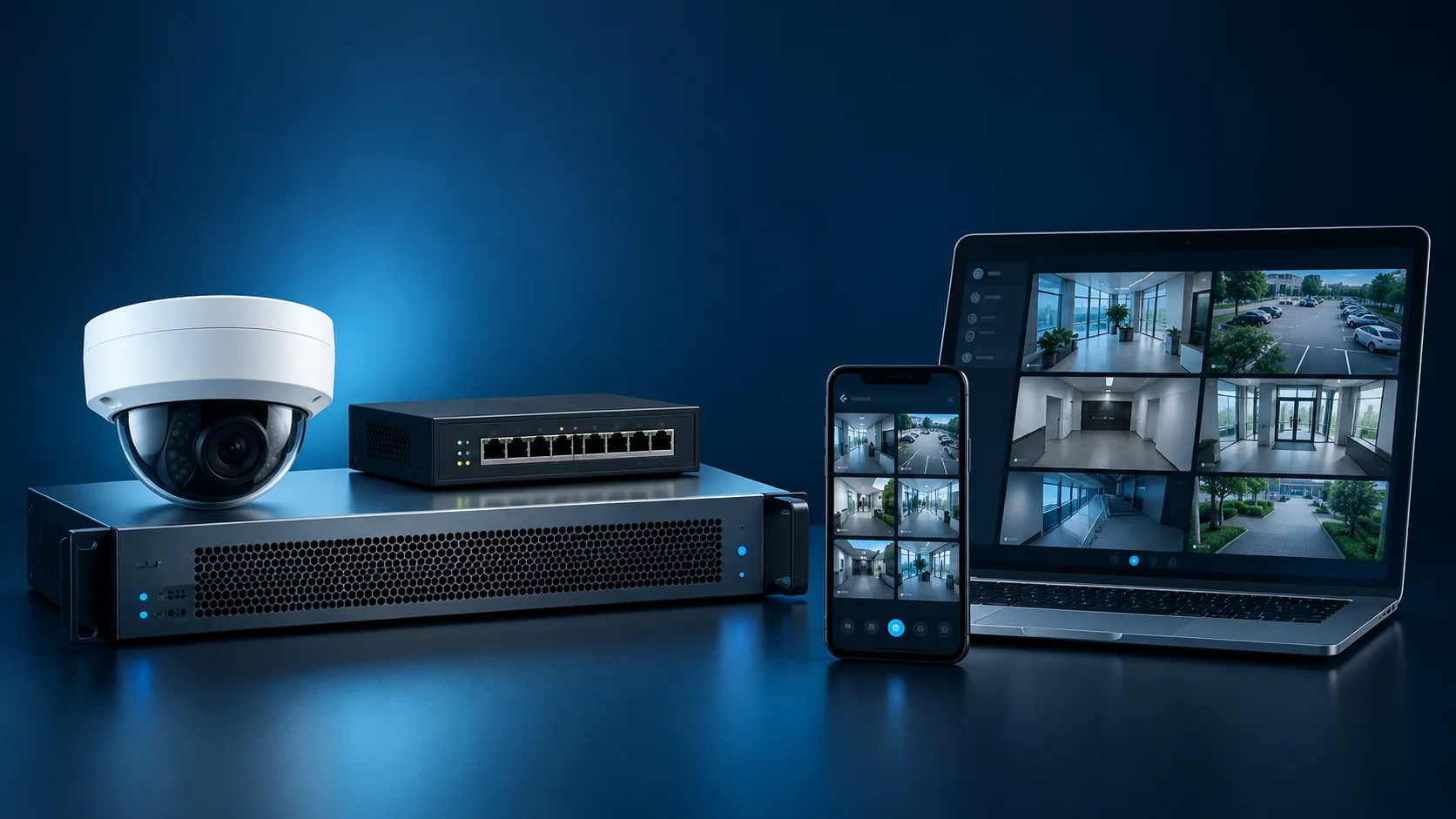
Camera, network equipment, server and OJOS client devices
Software and hardware operating as one system
  1. Equipment selection

    Cameras, networking and a server sized for the task.

  2. Commissioning

    Deploy OJOS, connect streams and validate the system.

  3. Staff training

    Administration, operator workflows and common operations.

  4. Colocation assistance

    Place your server in a suitable data center.

  5. Dedicated server selection

    Size a rented server configuration without buying hardware.

Discuss your project

Configure OJOS for your service

Choose a format, indicate the scale and leave your contact details. We will cover software, servers and rollout.

info@ojos.ru ↗
What do you need?